


AI Presentation Builder
AI Presentation Builder system
System value
PROBLEM
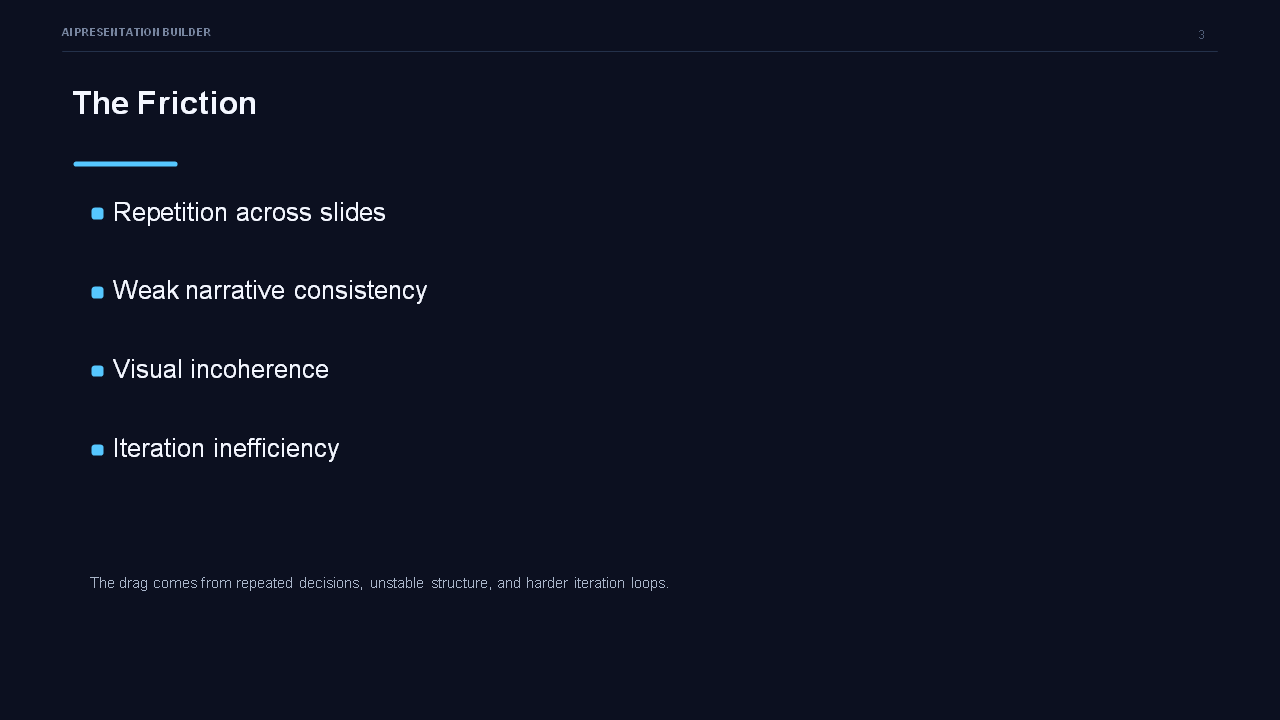
Creating a strong presentation usually requires more than writing slide text. Teams often move too quickly from raw materials to slides, which leads to missing information, unclear structure, inconsistent visuals, and late-stage rework. In many cases, what looks “almost ready” is still not ready to present or generate as a real final file.
SOLUTION
This system turns presentation creation into a controlled step-by-step workflow. It helps the user collect the right inputs, build slide content, define how each slide should work visually, validate what is missing, and only move to final generation when the presentation is actually complete.
VALUE
Saves time by:
reducing back-and-forth during setup, replacing part of the first-draft creation work, and preserving reusable checkpoints for later refinement or file generation.
Improves decisions by:
making each slide’s purpose, structure, and visual logic explicit before final production, so users can review and improve the deck with more confidence.
Reduces risk by:
preventing incomplete or misleading progression, surfacing missing materials and assets early, and separating draft, mockup, and final file as different stages.
Automates:
the transformation from raw information into structured slide content, visual planning, mockup preparation, and final build readiness.
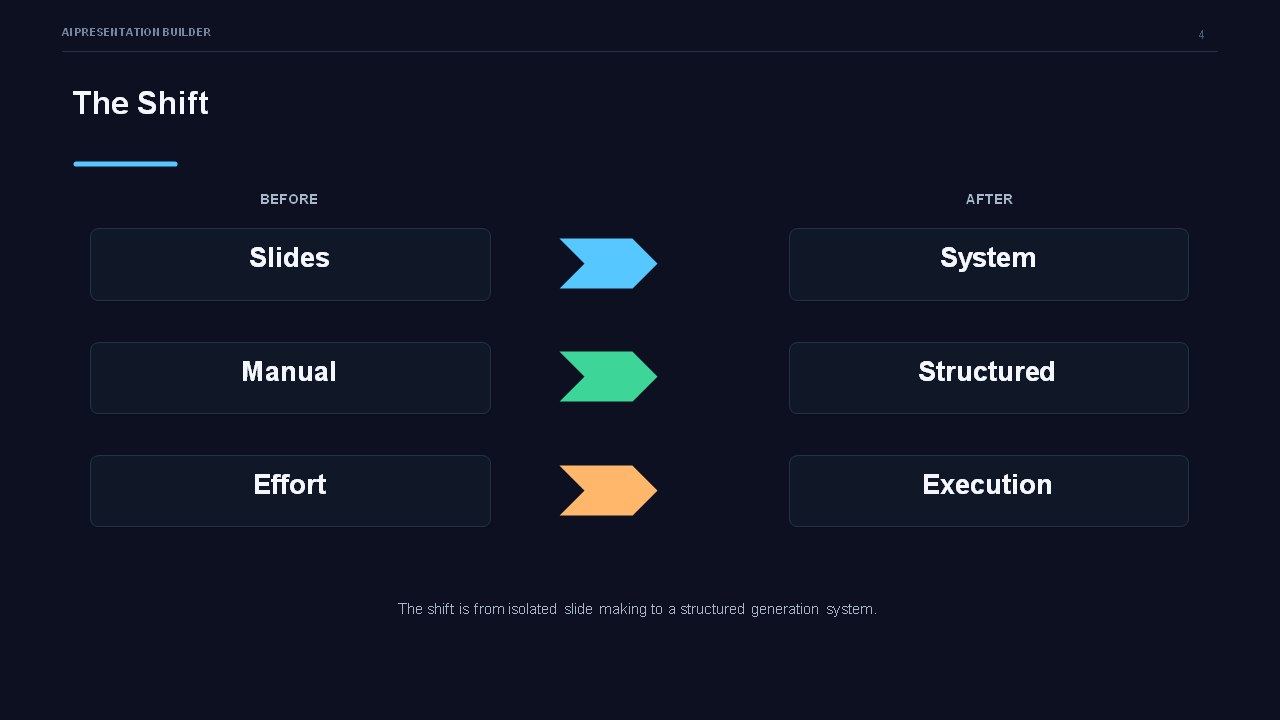
BEFORE → AFTER
Before:
Presentation work is often improvised. Raw notes become partial slides, visual decisions remain unclear, and missing assets or structural gaps appear late. Teams spend extra time fixing avoidable problems.
After:
Presentation work follows a clear sequence. The system checks inputs, builds the draft, defines visual structure, validates readiness, and supports final file generation only when all required elements are in place.
IMPACT SUMMARY
When used regularly, this kind of system can realistically deliver:
roughly 2–6 hours saved on first-draft preparation for a standard client deck
fewer revision cycles caused by unclear structure or missing information
faster approval of layout and slide direction through mockups
lower chance of broken, incomplete, or low-fidelity final presentation output
a more repeatable workflow for consultants, agencies, and internal teams producing presentations frequently
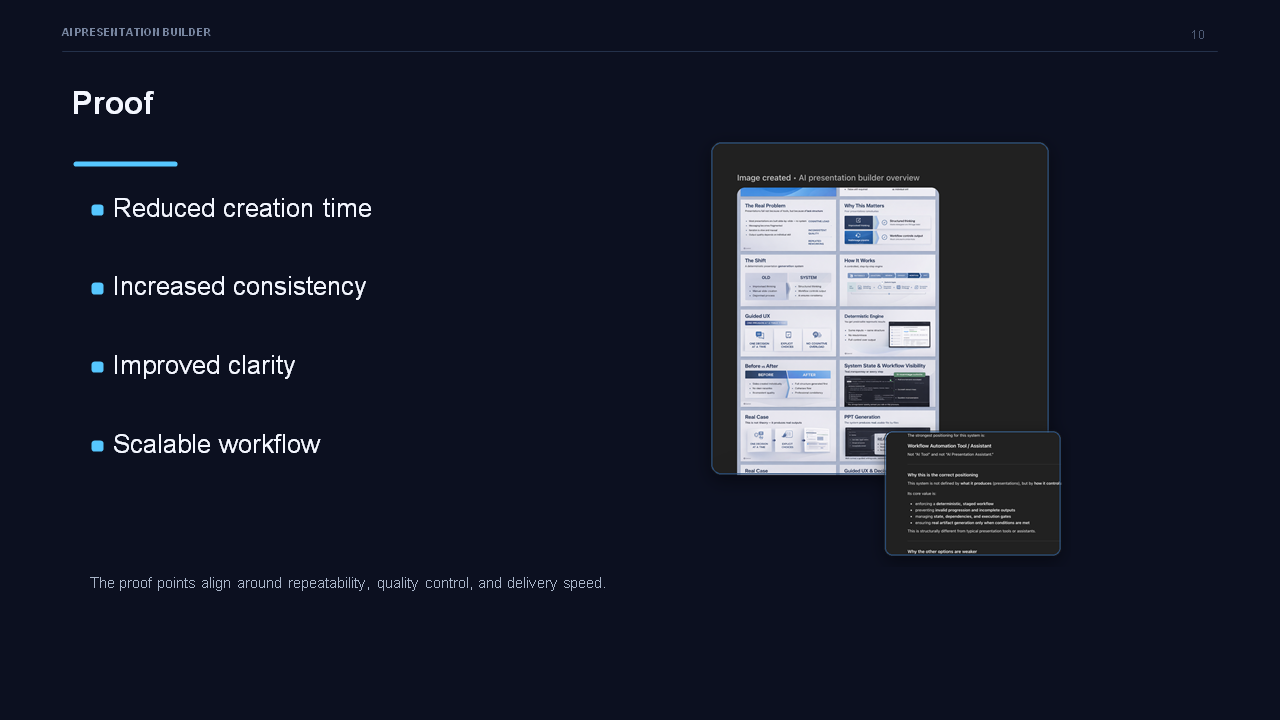
The strongest impact is usually not just speed, but avoiding wasted effort caused by moving forward with an incomplete deck.
AI Presentation Builder Presentation
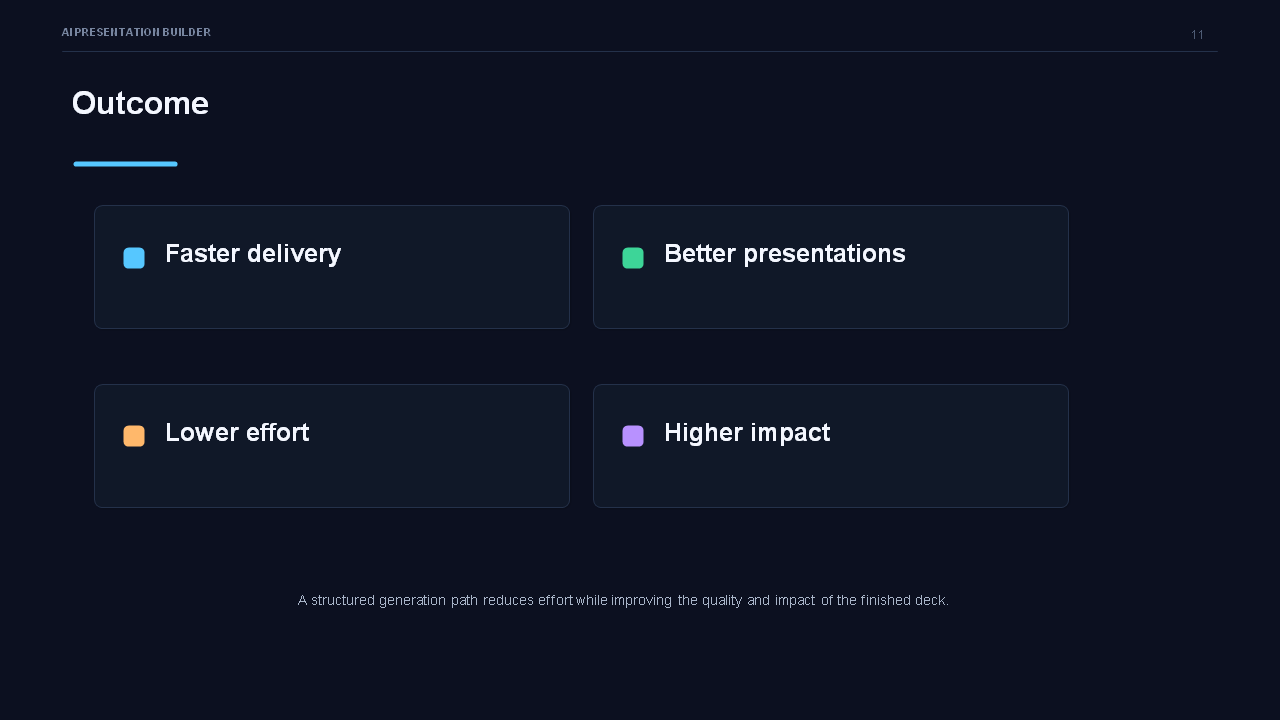
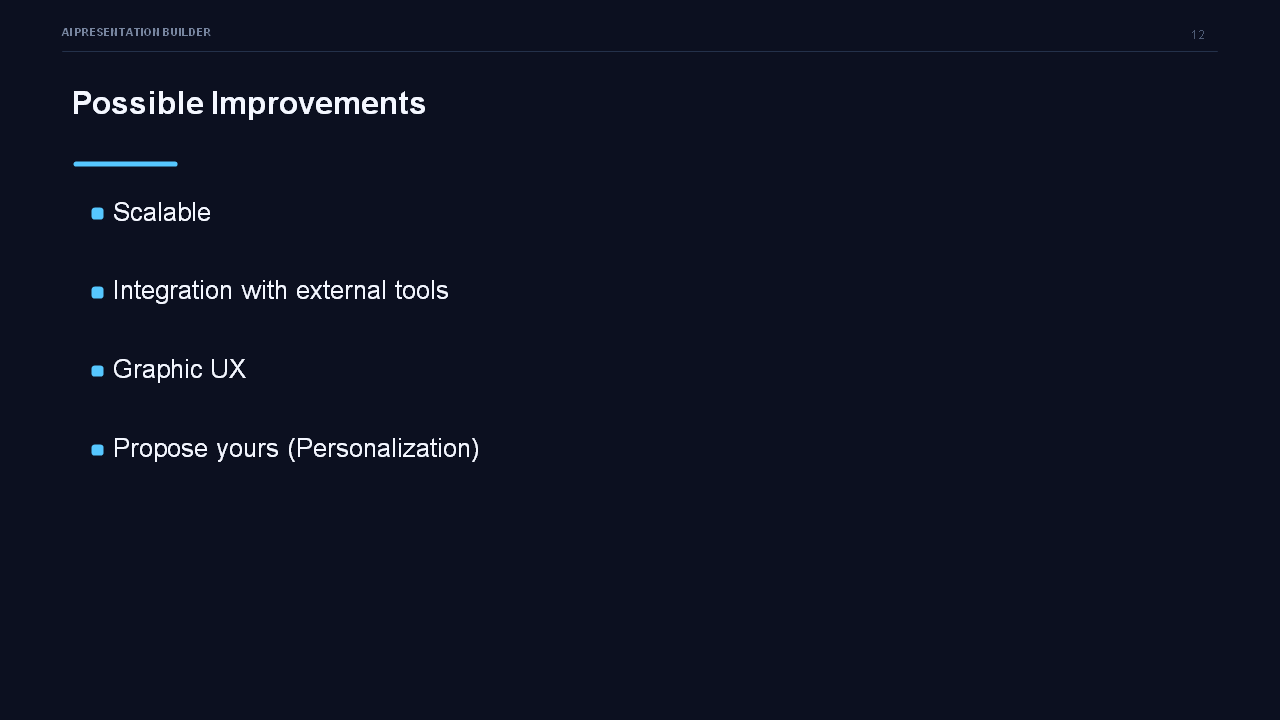
This presentation and the showcase has been realized by the AI Presentation Builder


System explanation
SYSTEM NAME
AI Presentation Builder System
WHAT IT DOES
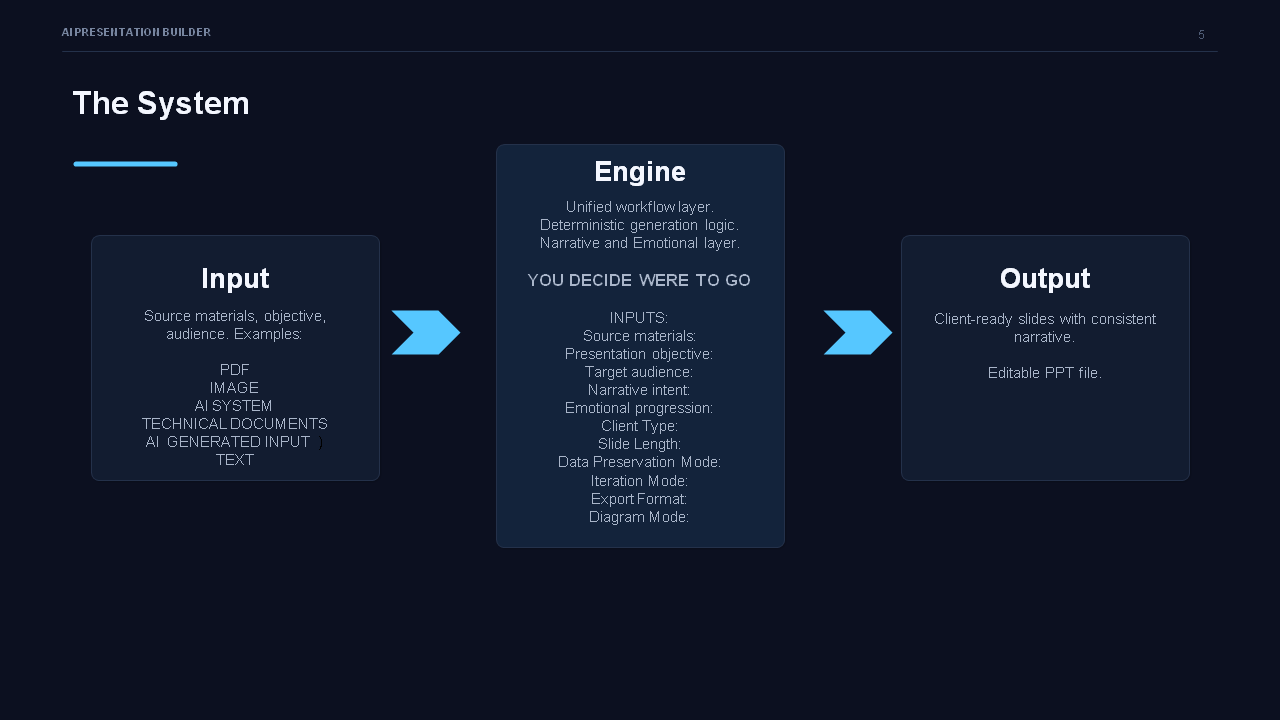
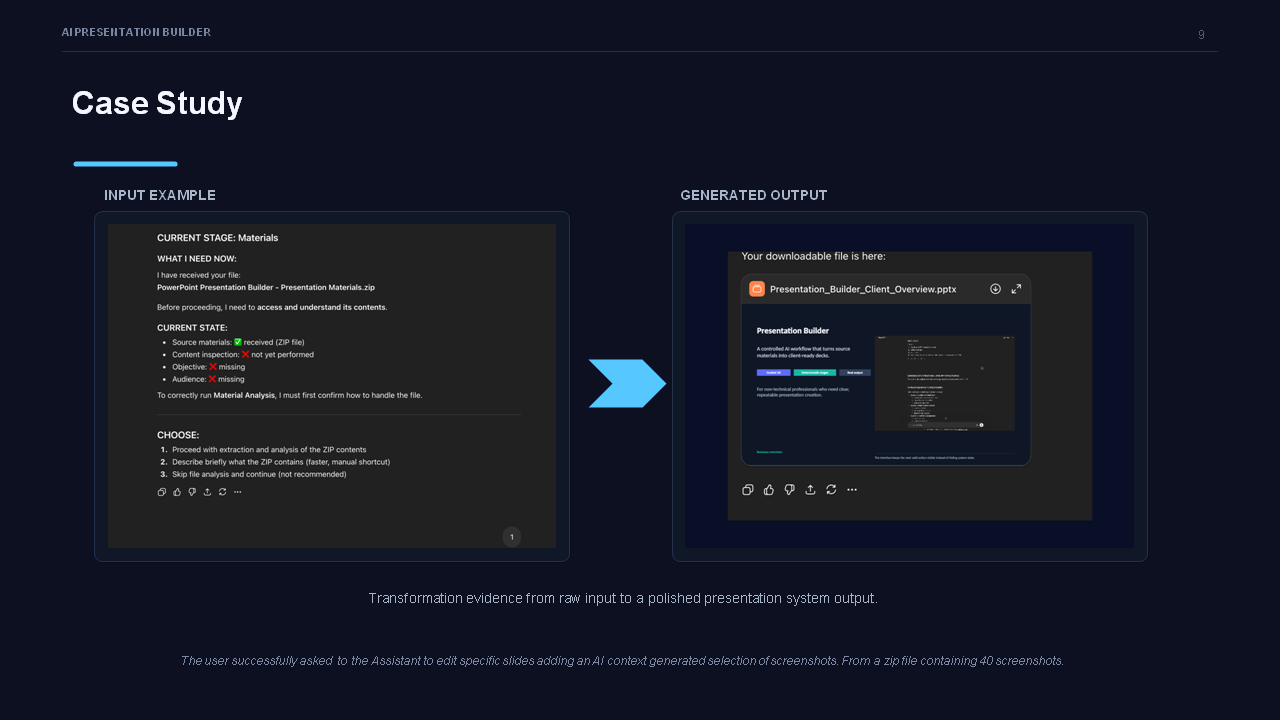
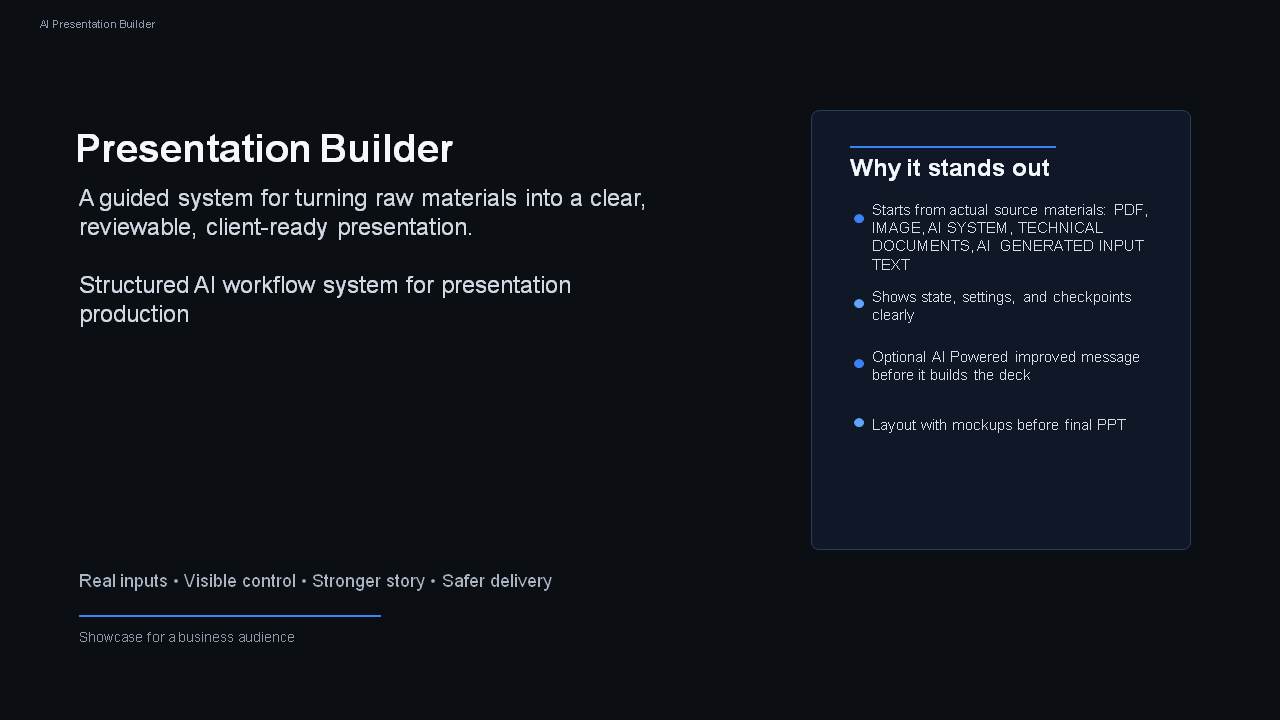
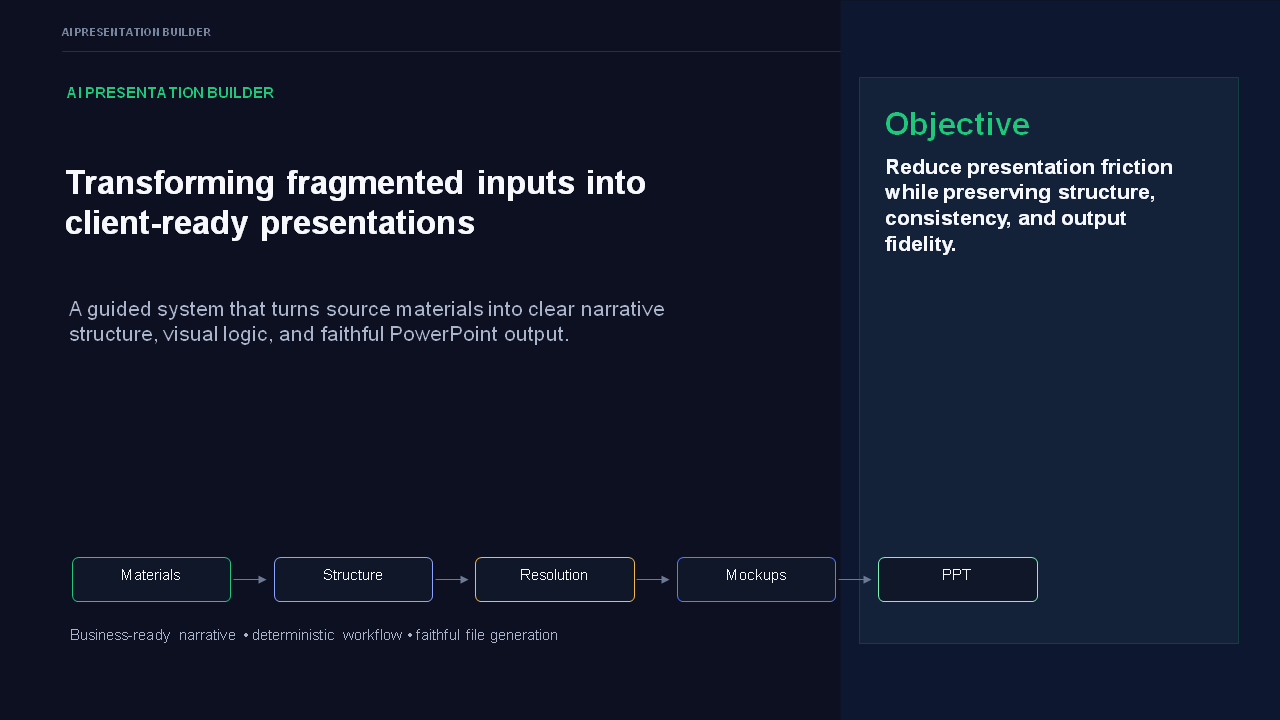
Transforms raw information into structured, client-ready presentations through a controlled, step-by-step workflow that ensures clarity, completeness, and usability.
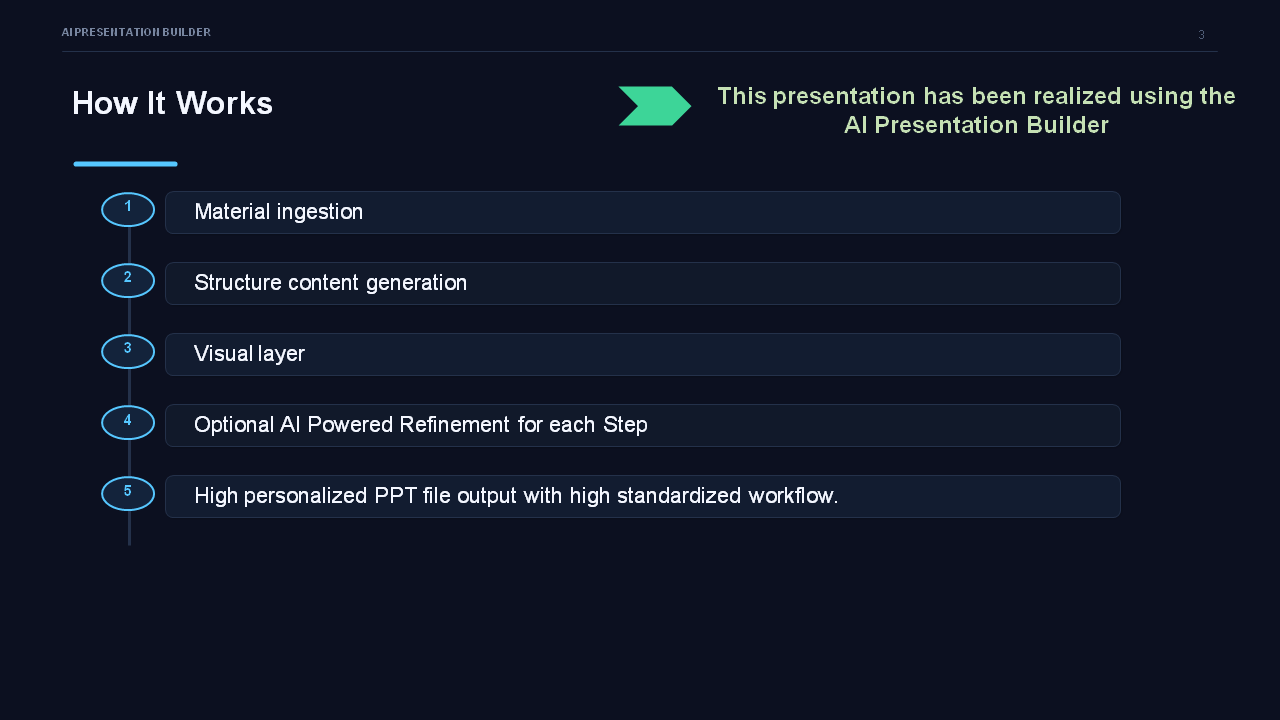
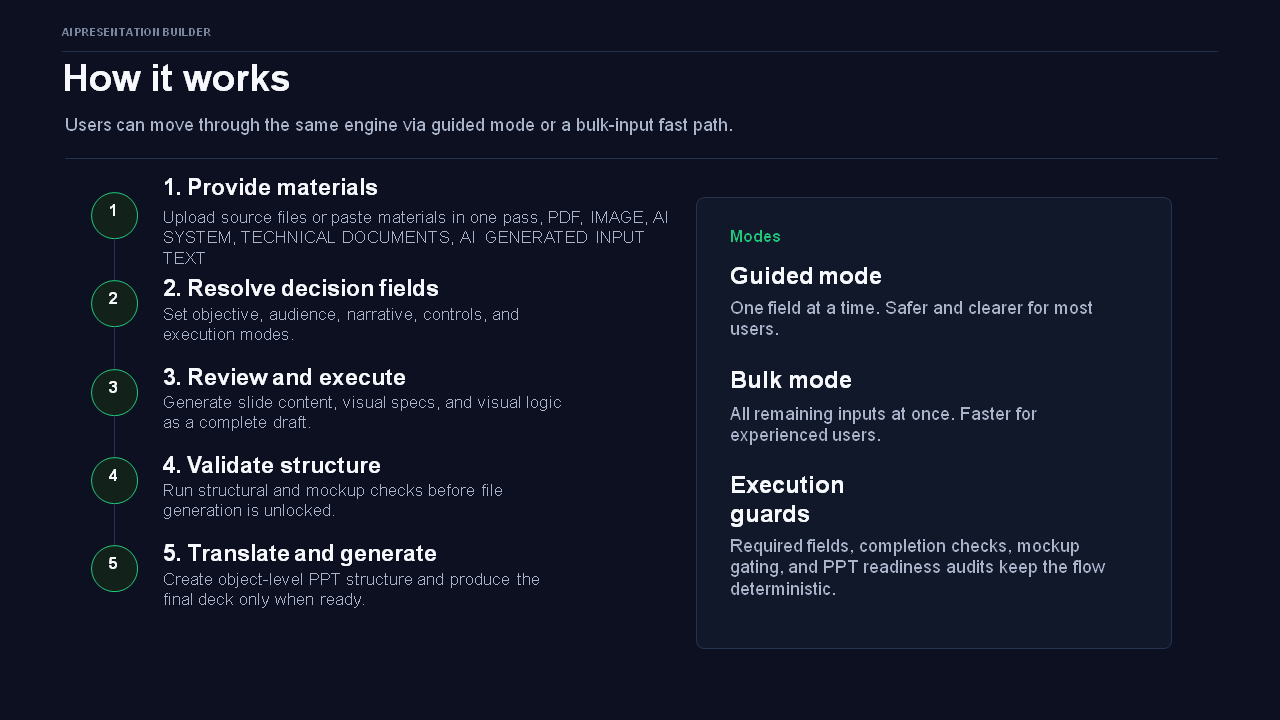
HOW IT WORKS
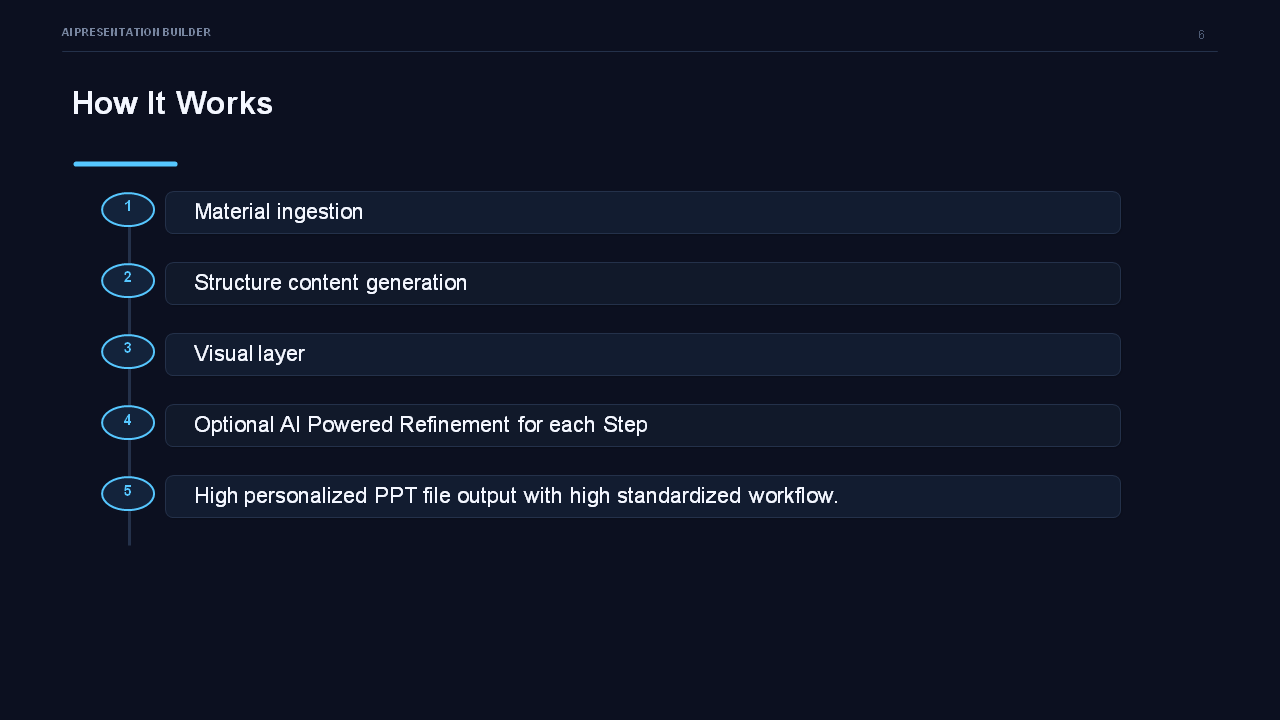
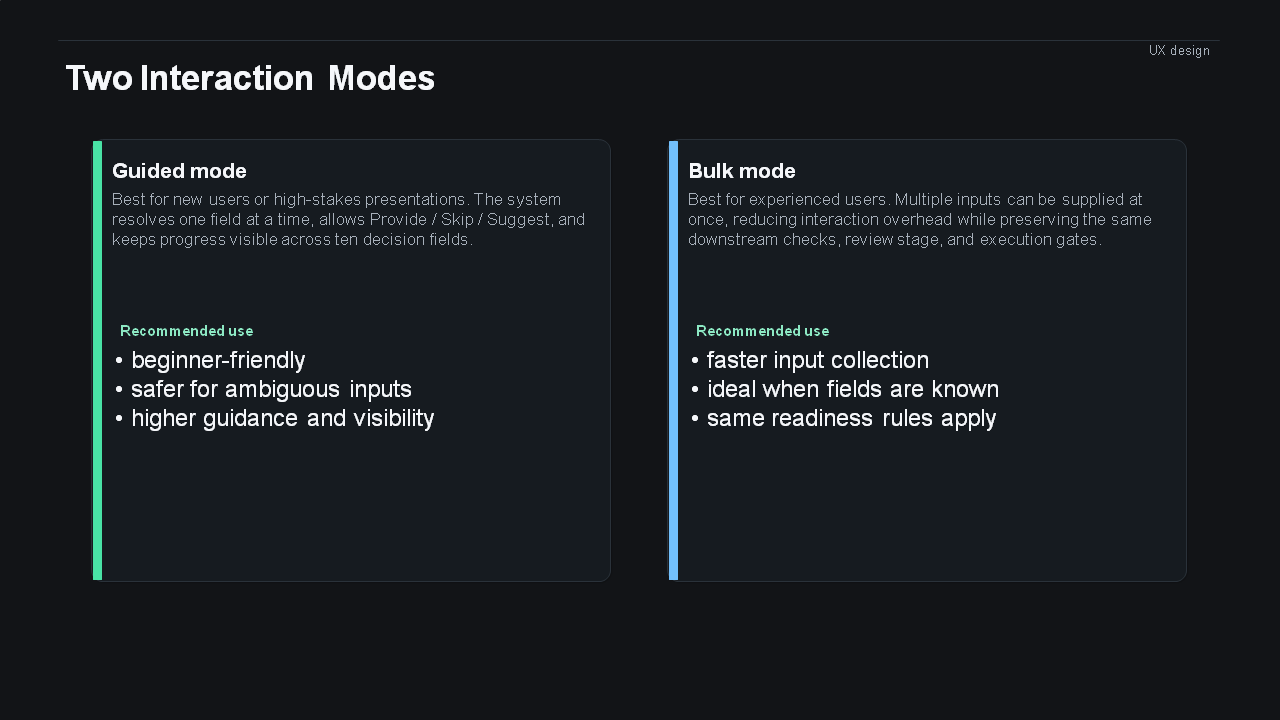
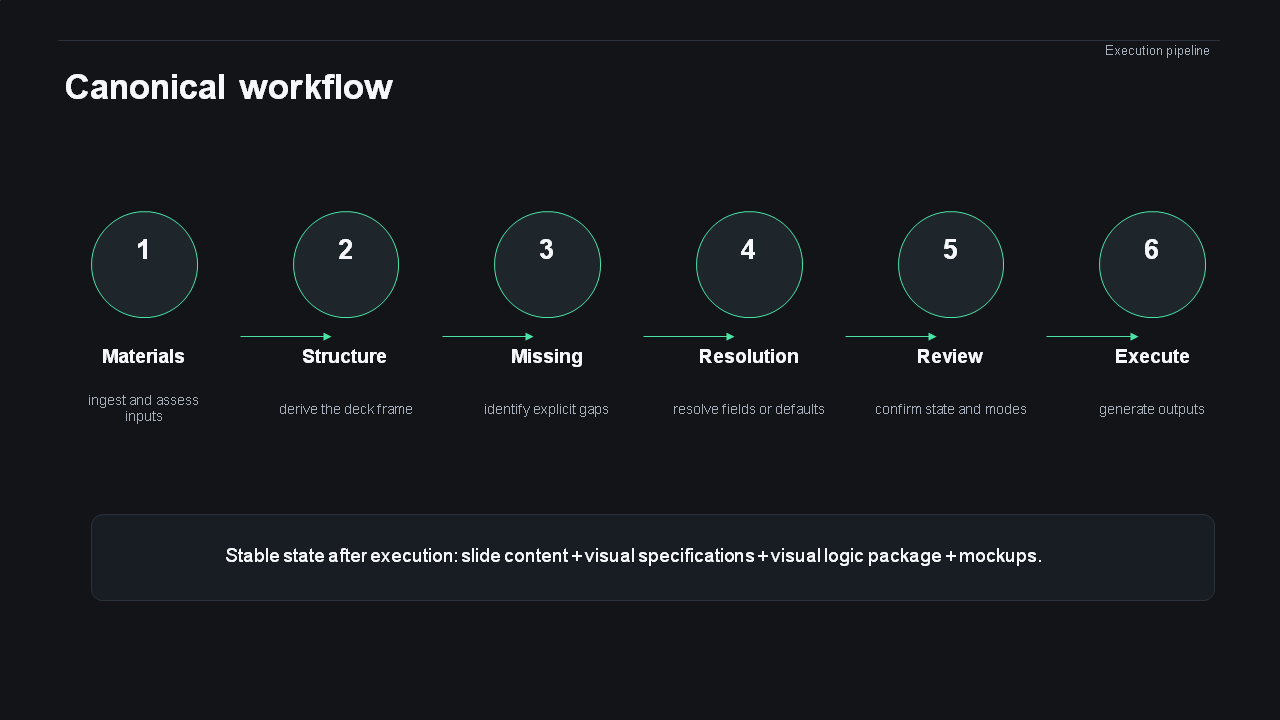
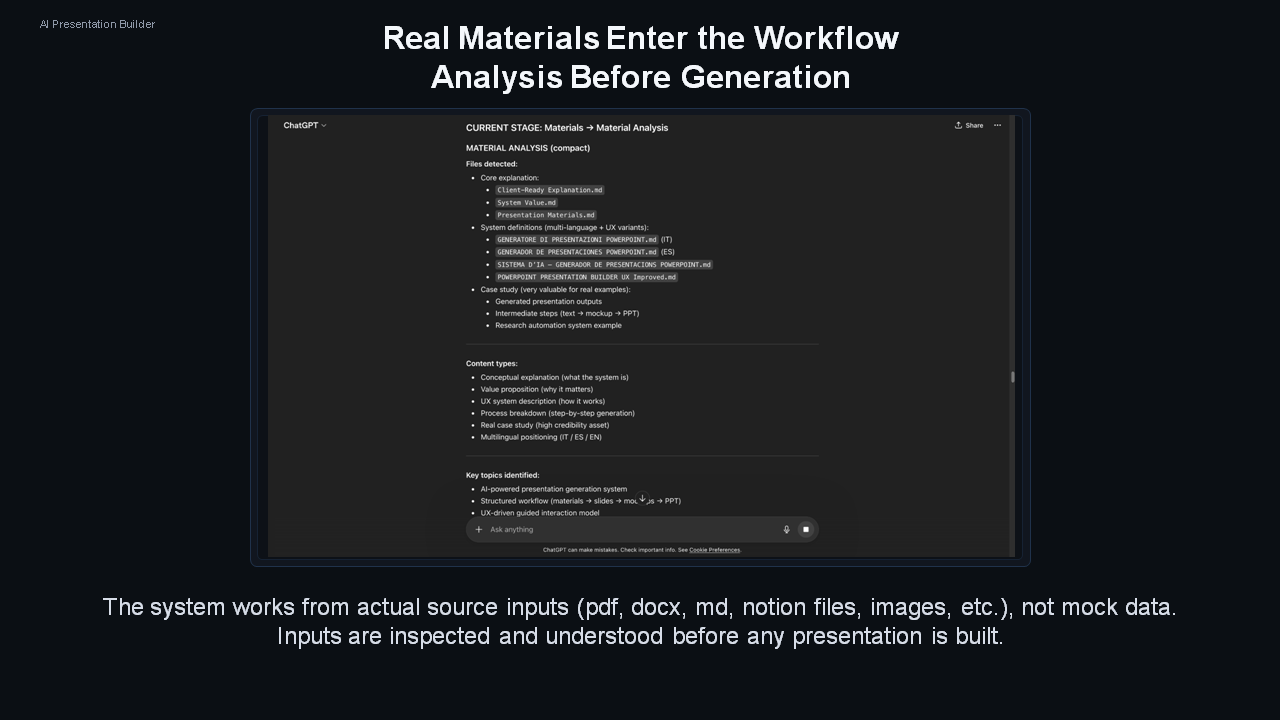
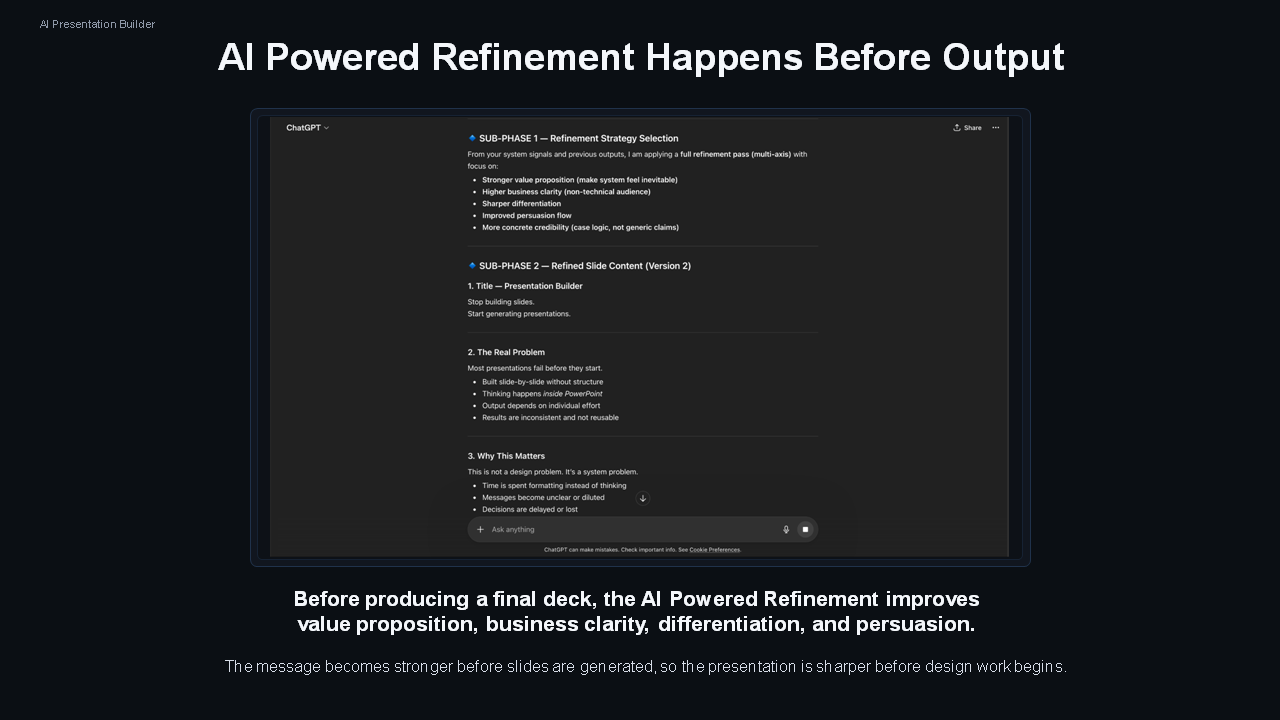
The system guides the user through a sequence of stages, starting from collecting input materials and defining the presentation goal and audience. It then structures the content, validates missing elements, and generates a full presentation draft including slide content, visual layout logic, and specifications.
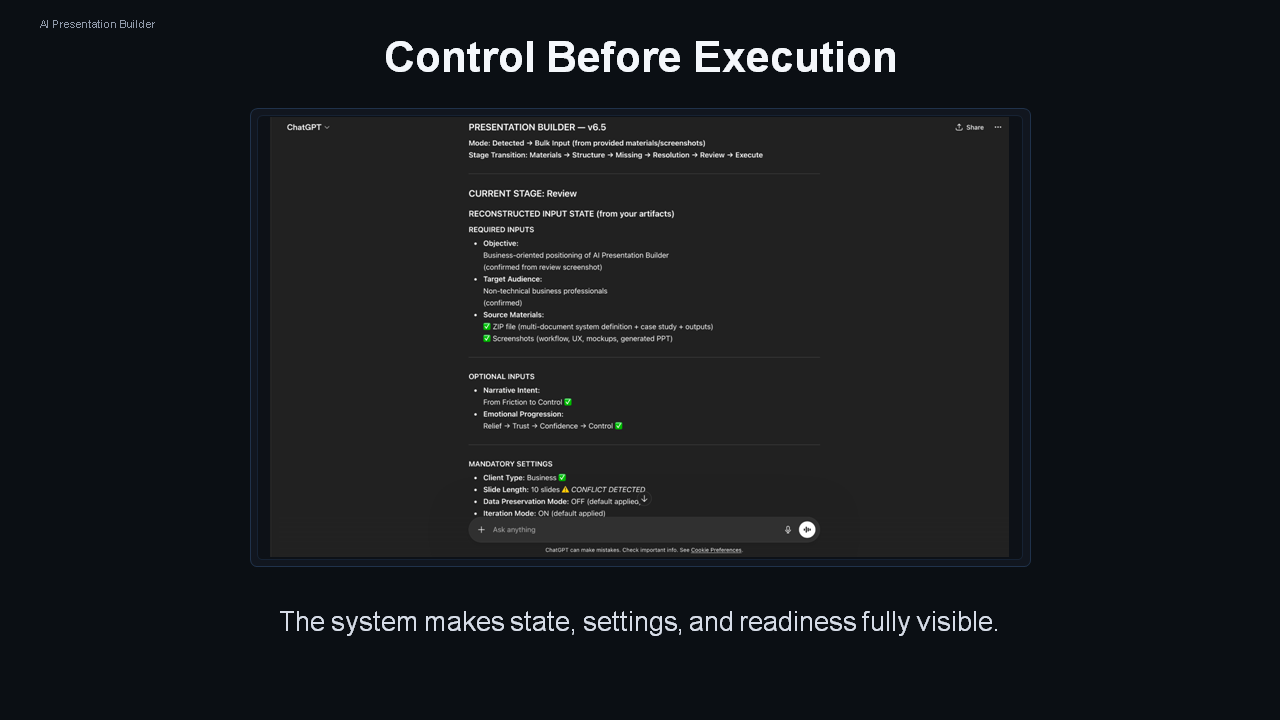
After the draft, it enforces validation checkpoints before allowing progression to mockups, visual representations, and final file generation. Each stage must be completed and approved before moving forward, ensuring consistency and preventing incomplete outputs.
OUTPUT MEANING
The system produces a fully defined presentation package, not just text. This includes:
Slide content that communicates key messages clearly
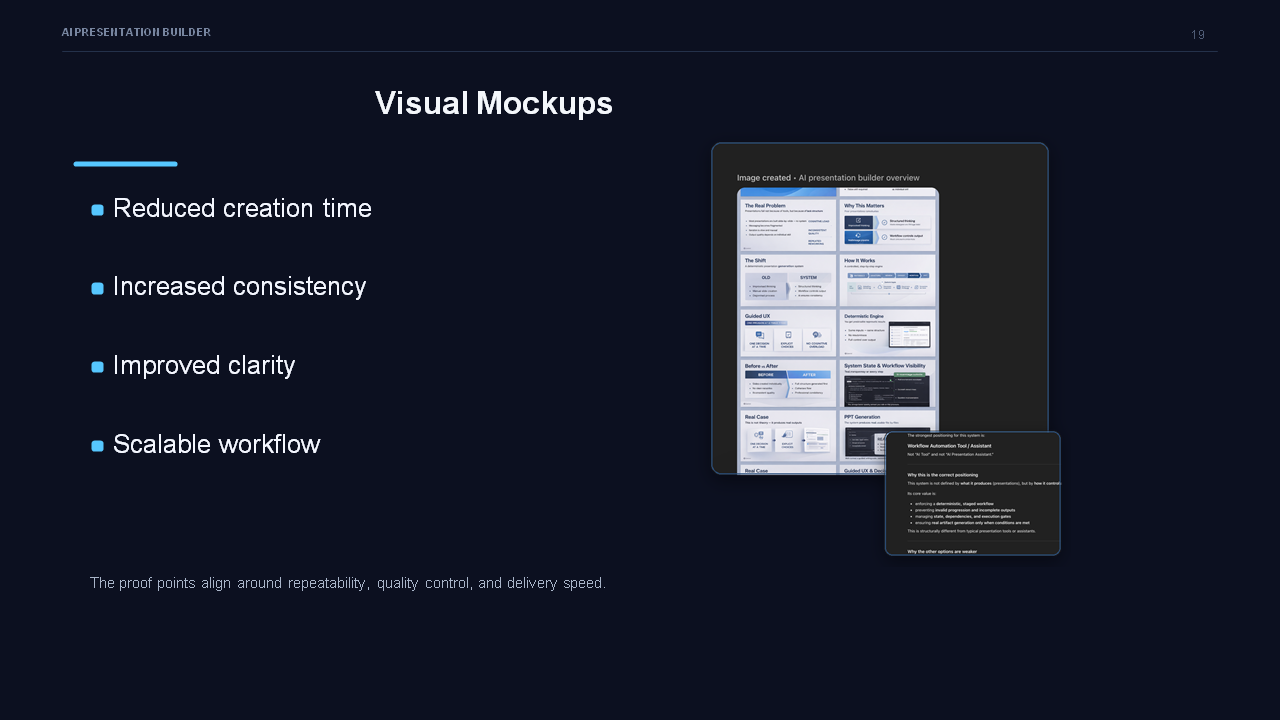
Visual structure that defines how information should be displayed
Layout logic that ensures consistency and readability
These outputs allow stakeholders to directly understand how the presentation should look and what it communicates, supporting decisions such as approval, refinement, or delivery to clients.
WHAT IT DOES NOT DO
Does not automatically infer missing critical information from incomplete inputs.
Does not skip steps or generate final outputs without validated intermediate stages.
Does not produce vague or generic presentations detached from the provided materials.
Does not replace human judgment in defining objectives, audience, or narrative intent.
LIMITATIONS
Highly dependent on the quality and completeness of input materials.
Requires active user participation to progress through stages and make decisions.
Rigid workflow structure may feel slower but is necessary to ensure output reliability.
Final output quality depends on correct configuration of settings such as audience type and slide length.
HOW TO USE IT
Provide clear source materials and define the presentation objective and target audience first.
Follow the guided workflow step by step, making decisions at each checkpoint.
Review outputs at each stage instead of skipping ahead.
Use the draft and mockups to validate clarity before generating final files.
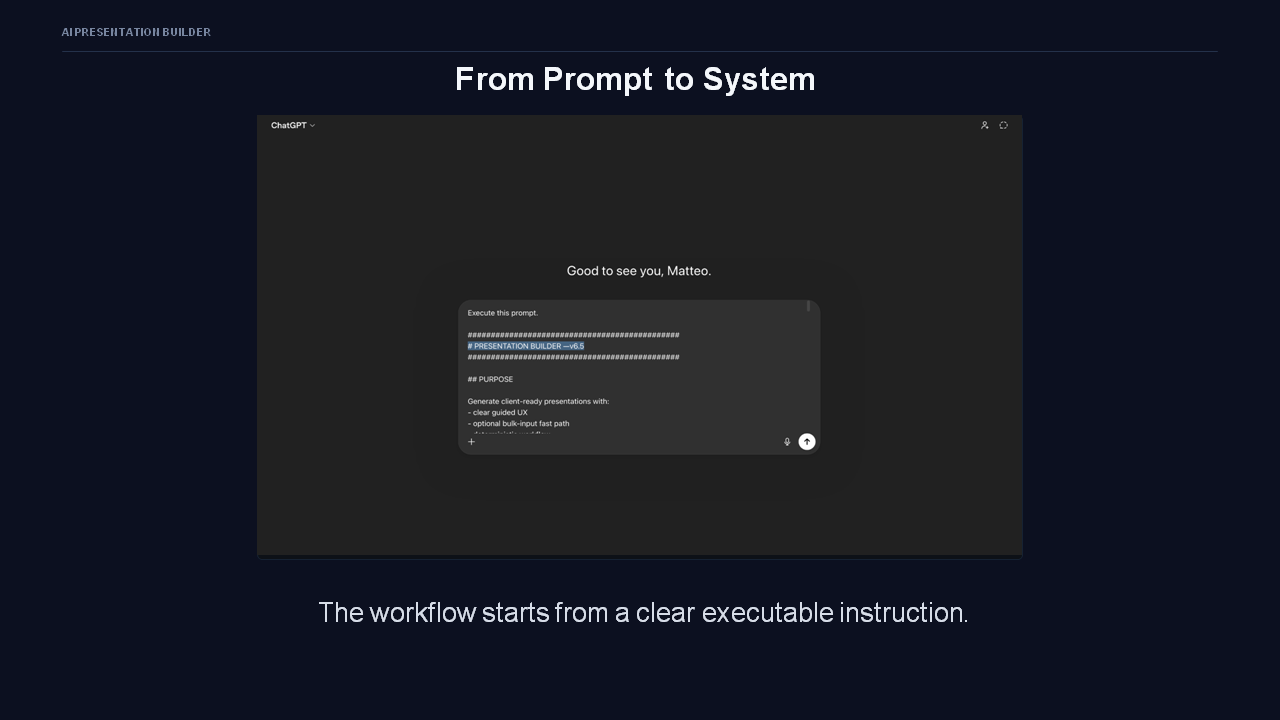
Treat the system as a structured production pipeline rather than a one-step generator.
AI Presentation Builder Showcase










AI Systems Portfolio

AI Integration

AI Workflow Design