

AI Graphic Designer
AI Graphic Designer System
Modular AI Graphic Design Orchestration for Creative Exploration, Structured Specification and Controlled Execution
The AI Graphic Designer System is a custom AI-powered design workflow developed to support professional visual creation through a structured, modular and traceable process.
It is not a simple image-generation prompt or a freeform creative assistant. It is an integrated design orchestration system that connects different stages of visual work: input analysis, creative exploration, controlled design specification, execution readiness, runtime validation and output preparation.
The system was developed around a practical need: to create a more reliable and reusable AI design assistant able to work with different kinds of inputs, different levels of creative freedom, and different production needs.
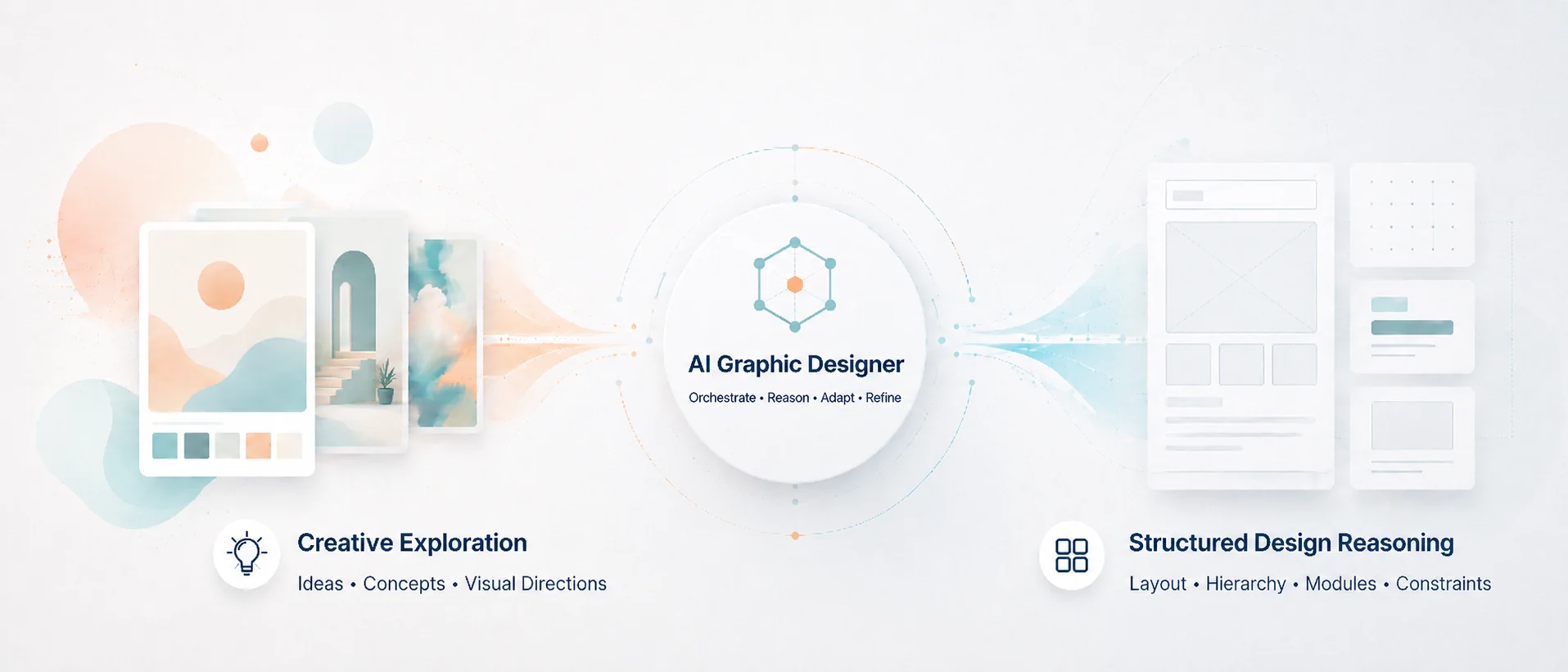
Its main strength is the combination of creative reasoning and structured reasoning inside one coherent workflow.
What This System Does
The AI Graphic Designer System can support different stages of visual design work, including:
- interpreting user requests, files, visual references and design constraints;
- exploring alternative creative directions;
- transforming ideas into controlled design specifications;
- separating confirmed information from assumptions and missing inputs;
- evaluating whether a design request is ready for execution;
- preparing outputs that can be used by humans, AI tools, designers or downstream execution systems.
The system is designed to work as a professional design workflow, not only as a prompt. It can move from early-stage ideation to structured production planning while preserving clarity, control and traceability.
Why It Is Interesting
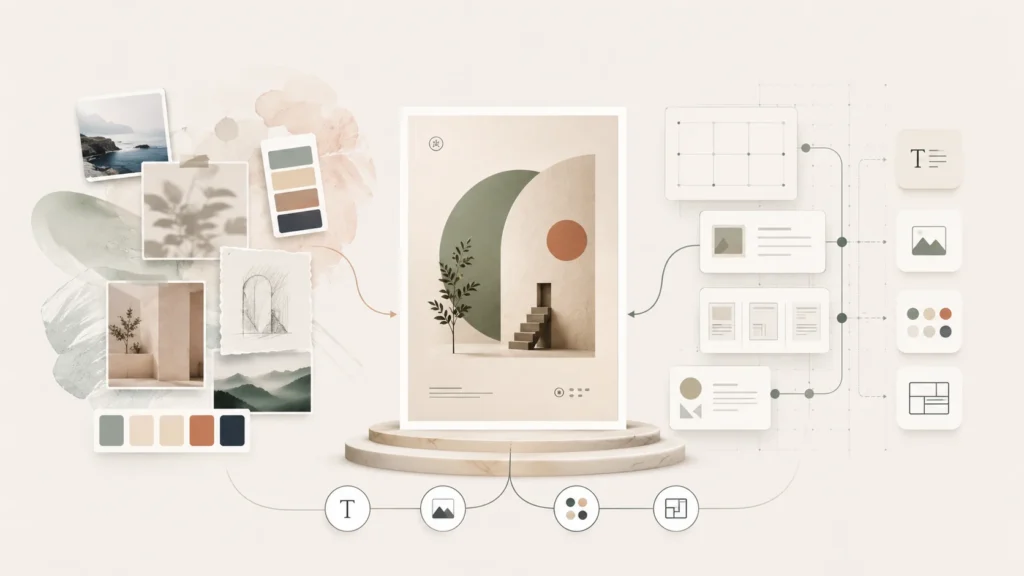
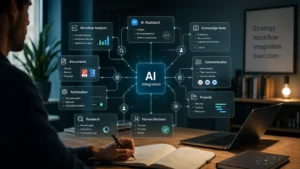
This system is interesting because it treats AI-assisted design as an orchestrated process. Instead of asking one model to “create a design” in a single step, the system separates the work into bounded modules, each with a specific responsibility:
- Ingestion Layer — reads and normalizes user inputs, files, text, visual references and constraints.
- Creative Exploration Module — develops alternative visual directions when creative exploration is useful.
- High-Control Specification Module — transforms the chosen direction into a controlled design brief or execution-ready specification.
- Design Execution Engine — validates whether the design can actually be executed with the available assets, formats and operations.
- Runtime Interface — defines the boundary between planning and downstream execution.
This modular structure makes the system powerful because it avoids collapsing creativity, analysis, validation and execution into one uncontrolled response. The system prompt defines this as a “non-collapse” architecture: the user experiences one unified system, but the internal modules remain separate and traceable.
Two Types of Reasoning: Creative and Structured
A key feature of the system is that it uses two different types of reasoning.
Creative reasoning
The creative module is used when the request is still open, ambiguous or stylistically underdefined. It can generate multiple design directions, visual concepts, aesthetic routes, mood options, composition ideas and prompt-ready cues.
This is useful when the user does not yet know exactly what the final design should look like, or when several valid visual directions are possible.
Structured reasoning
The structured module is used when the system needs control, precision and production logic. It classifies the task, identifies confirmed inputs, separates missing critical information from non-critical information, evaluates execution readiness and produces structured specifications.
This is useful when the goal is not only to imagine a design, but to make it usable, reproducible, reviewable or executable.
Together, these two reasoning modes allow the system to support both creative divergence and controlled convergence.
A System Designed Around Real Inputs
The AI Graphic Designer System was designed to accept different kinds of input depending on the real design situation.
It can work with:
- plain text requests;
- structured JSON;
- mixed text and structured data;
- files and visual references;
- existing design material;
- brand or style constraints;
- technical requirements;
- partial or incomplete briefs.
This flexibility is important because real design work rarely begins from perfect instructions. Sometimes the user has only an idea, sometimes a reference image, sometimes a document, sometimes a brand direction, sometimes a precise output format.
The system is built to handle this complexity without pretending that missing information exists. One of its central rules is that it must not silently invent missing assets, hidden file structure, unsupported capabilities or production-ready parameters.
Strong Points of the System
1. Modular architecture
The system is divided into clear internal modules. Each module has a defined role and does not silently absorb the role of another module. This makes the workflow easier to test, improve and extend.
2. Source-grounded design process
The system gives priority to observed input data, structured JSON and user-provided information. It distinguishes between what is observed, parsed, inferred, uncertain or missing.
3. Creative flexibility
When needed, the system can generate multiple creative directions instead of forcing one premature solution. This supports exploration, comparison and iteration.
4. High-control specification
The system can transform a creative direction into a structured design specification, including objective, format, canvas, constraints, assets, operations, risks and validation status.
5. Execution readiness logic
The system does not assume that every design idea is immediately executable. It evaluates whether a request is ready, provisional or blocked.
6. Runtime safety
Before any execution step, the system requires validation, policy checks, asset resolution and operation control. This prevents the system from claiming that an output has been produced when execution was not actually possible.
7. Traceability
Every major phase can be traced: ingestion, routing, creative exploration, specification, runtime interface and execution engine. This makes the system suitable not only for creative work, but also for review, debugging and professional integration.
Practical Use Cases
This AI Graphic Designer System can be adapted to different visual communication tasks, such as:
- website hero images;
- portfolio visuals;
- social media posts;
- campaign graphics;
- event communication;
- brand-consistent visual concepts;
- visual storytelling;
- editorial layouts;
- presentation graphics;
- image-generation prompts;
- design briefs for human designers;
- structured specs for downstream AI image tools.
It is especially useful when design work needs both imagination and control: for example, when a project requires multiple visual directions, but also a clear production path, explicit constraints and reliable handoff.
Example Workflow
A typical workflow may include:
- The user provides a design request, reference image, brand requirement or existing material.
- The system ingests the input and separates confirmed information from assumptions or missing elements.
- If the request is open-ended, the system proposes several creative directions.
- A direction is selected or refined.
- The system converts the direction into a controlled design specification.
- The system checks whether the design is executable, provisional or blocked.
- If execution is allowed, the runtime layer prepares or coordinates the production step.
- The final output remains traceable to the original input, decisions, constraints and assumptions.
Why This Matters
Many AI design tools are powerful but difficult to control. They can generate impressive images, but the process often remains opaque, unstable or hard to reproduce.
This system addresses that problem by treating AI design as a workflow architecture.
It gives creative freedom where exploration is useful, but introduces structure when decisions, specifications, validation and execution are needed.
The result is an AI design system that is:
- creative, but not uncontrolled;
- flexible, but not vague;
- structured, but not rigid;
- execution-aware, but not overconfident;
- useful for real professional workflows.
Case Study
The most of the graphic images, including the logo and the entire brand assets, used in this website www.matteotrivelli.com has been created integrating the AI Graphic Designer system into the AI image generation workflows and the general graphic and web design workflows.
AI Systems Portfolio
AI Integration

AI Workflow Design